
If you want to run Roblox scripts on your phone, you’ll need the Delta Mobile key. Without it, the executor won’t work—similar to Hydrogen and other Roblox executors. Many players struggle with this process, so in this guide, we’ll explain step by step how to get the Delta Executor key on both Android and iOS devices.
👉 Also Read: How to Download Delta on iOS
Getting Delta Executor Key on Android
Follow these steps to generate your Delta key on Android:
-
Download Delta Mobile from the official site (deltaexecutors.cfd).
-
Install it on your device and open the app.
-
On first launch, it will ask for your Delta key.
-
If you already have one, just paste it.
-
If not, tap the Receive Key button.
-
-
The app will copy a link to your clipboard automatically.
-
Open a browser, paste the link, and search.
-
You’ll see the Delta Android Keysystem page.
-
Tap the Continue button.
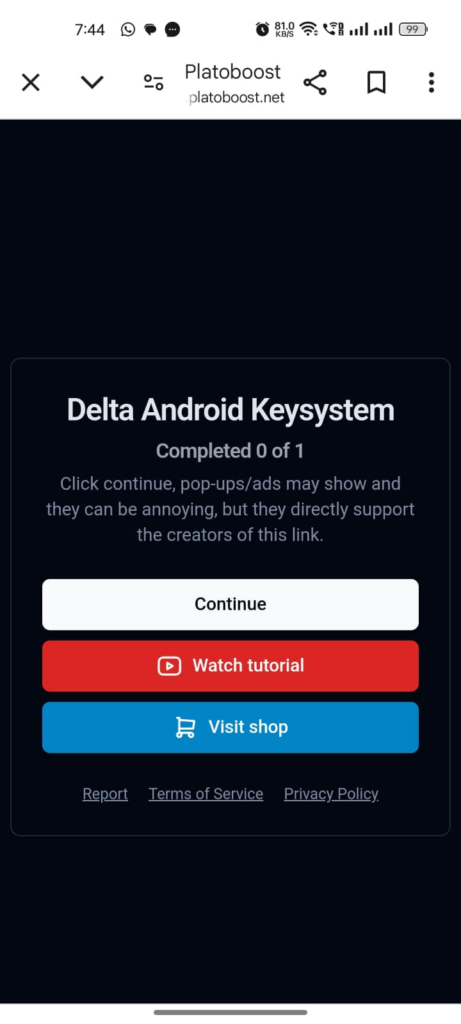
- Complete 2–3 small tasks by tapping the ‘?’ icon next to each.

-
-
Important: Don’t download anything—just press the back button.
-
-
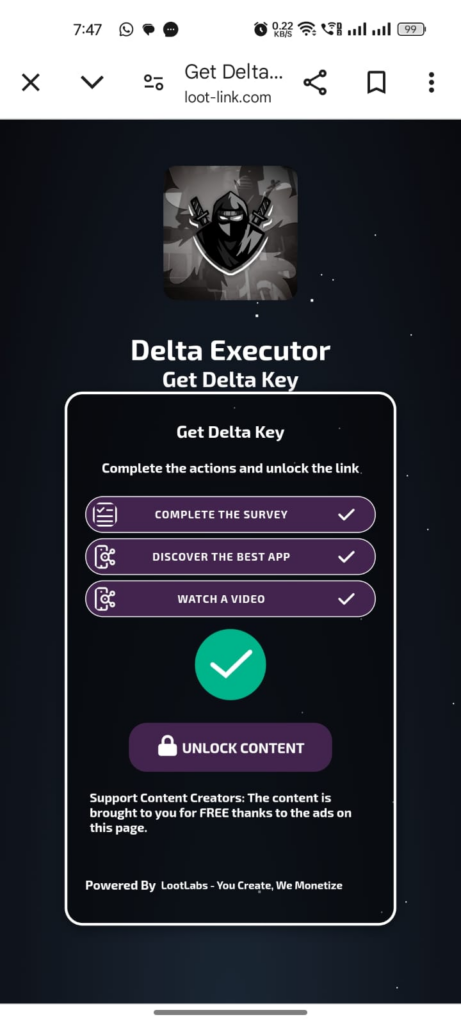
Once tasks are done, wait for the Unlock Content button to turn green.
-
Tap it, then press Continue to create your key.
-
Copy the generated Delta key.

-
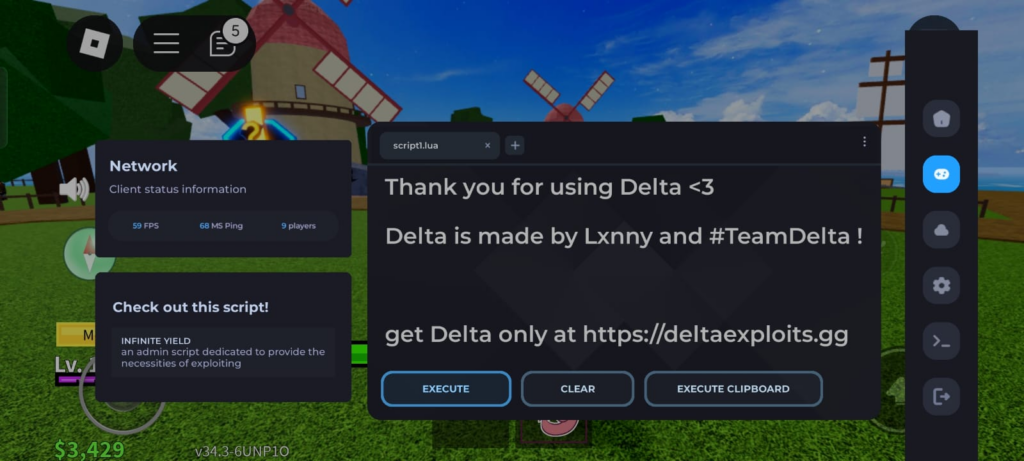
Go back to Roblox, paste the key when prompted, and press Continue.
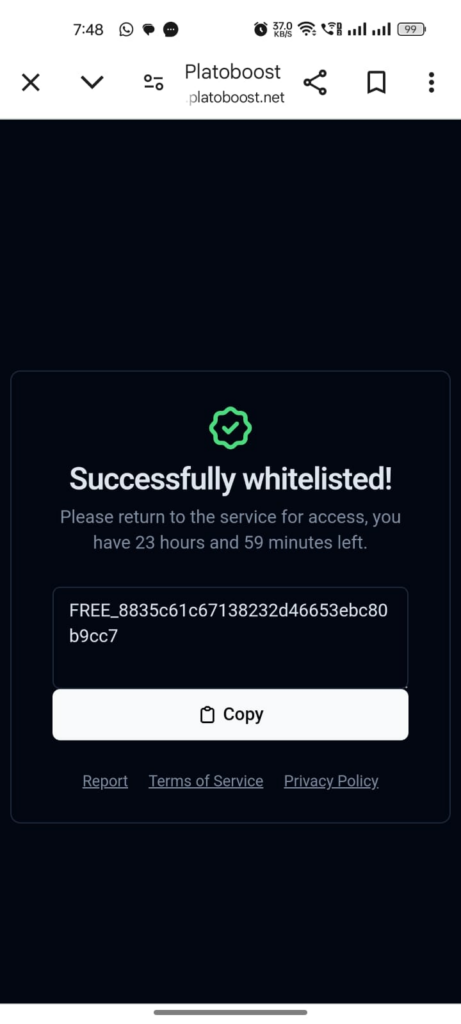
✅ You now have full access to Delta Executor on Android.
Getting Delta Executor Key on iOS (iPhone & iPad)
The process on iOS is very similar with slight changes:
-
Download and install Delta on your iPhone or iPad.
-
Open the app, and the key prompt will appear.
-
Paste your existing key if you already have one.
-
Otherwise, tap the Receive Key button.
-
-
Open Safari, paste the copied link, and tap Paste and Go.
-
The Delta iOS Keysystem page will open.
-
Tap the Continue button.
-
Complete the required tasks on Linkvertise (usually 2 tasks).
-
Once done, your Delta key will be generated.
-
Copy the key, return to Roblox, paste it, and tap Continue.
✅ Your Delta Executor will now be unlocked on iOS.
Tips for a Smooth Key Process
-
Always download Delta only from its official website.
-
Do not install random apps or files during the task process.
-
Make sure your internet connection is stable.
-
Use Safari on iOS and Chrome on Android for fewer errors.
Conclusion
That’s all you need to know about getting the Delta Mobile Executor key in 2025. By following the steps carefully on Android or iOS, you can unlock Roblox scripts and enjoy smooth execution without running into errors.
👉 Also Read: How to Fix “Unable to Install Delta” on iOS
I think you have mentioned some very interesting points, regards for the post.